
AKKO 2.4Ghz USB Receiver for AKKO Keyboards (B series / B Plus series / RF series)
This version is currently out of stock.
Specifications
Coming soon.
Description
The AKKO 2.4Ghz USB Receiver is a necessary accessory for AKKO keyboards in the B, B Plus, and RF series. This product enables quick and stable wireless connection between the keyboard and the computer.
Why should you buy the AKKO 2.4Ghz USB Receiver?
The AKKO 2.4Ghz USB Receiver is an ideal solution for users who need a stable wireless connection with AKKO keyboards. This product provides stable connectivity and a wide range of operation, allowing users to comfortably use it in various environments.
- Replacing the USB Receiver when lost or damaged
- Stable and quick wireless connection
- Convenient to use in various environments
Guide to connecting the AKKO 2.4Ghz USB Receiver with the keyboard
To connect the AKKO 2.4Ghz USB Receiver with the keyboard, users need to follow these steps:
Remove the USB receiver from the computer.
Switch the keyboard to 2.4Ghz mode by pressing Fn + Y or Fn + 5.
Hold Fn + Y (for B series) or Fn + 5 (for N series) for 5 seconds.
Plug the USB receiver into the computer and place the keyboard near the USB receiver.
- Remove the USB receiver from the computer
- Switch the keyboard to 2.4Ghz mode
- Hold Fn + Y or Fn + 5 for 5 seconds
- Plug the USB receiver into the computer and place the keyboard near the USB receiver
Guide to re-pairing the 2.4Ghz USB Receiver with the AKKO keyboard
If you need to change or re-pair the AKKO 2.4Ghz USB Receiver, follow these steps:
Remove the USB receiver from the computer.
Switch the keyboard to 2.4Ghz mode by pressing Fn + Y or Fn + 5.
Hold Fn + Y (for B series) or Fn + 5 (for N series) for 5 seconds.
Plug the USB receiver into the computer and place the keyboard near the USB receiver.
- Remove the USB receiver from the computer
- Switch the keyboard to 2.4Ghz mode
- Hold Fn + Y or Fn + 5 for 5 seconds
- Plug the USB receiver into the computer and place the keyboard near the USB receiver
Who is the AKKO 2.4Ghz USB Receiver suitable for?
- Users who need a wireless connection with AKKO keyboards
- Office workers
- Students
- Frequent travelers
Frequently Asked Questions
When Should You Buy This 2.4Ghz USB Receiver?
You should buy this 2.4Ghz USB Receiver when you have lost or damaged the current USB receiver of your AKKO keyboard.
How to Re-pair 2.4Ghz with AKKO Keyboard?
To re-pair the 2.4Ghz with your AKKO keyboard, follow these steps: unplug the USB receiver from the computer, switch the keyboard to 2.4Ghz mode by pressing Fn + Y or Fn + 5, hold Fn + Y or Fn + 5 for 5 seconds, plug the USB receiver back into the computer, and place the keyboard near the USB receiver.
How to Connect 2.4Ghz USB Receiver with AKKO Keyboard?
To connect the 2.4Ghz USB Receiver with your AKKO keyboard, follow these steps: unplug the USB receiver from the computer, switch the keyboard to 2.4Ghz mode by pressing Fn + Y or Fn + 5, hold Fn + Y or Fn + 5 for 5 seconds, plug the USB receiver back into the computer, and place the keyboard near the USB receiver.
Which AKKO Keyboard Series Does the 2.4Ghz USB Receiver Support?
The AKKO 2.4Ghz USB Receiver supports the AKKO B series, B Plus series, and RF series.
Similar products

AKKO World Tour Tokyo Mousepad - Size XXL
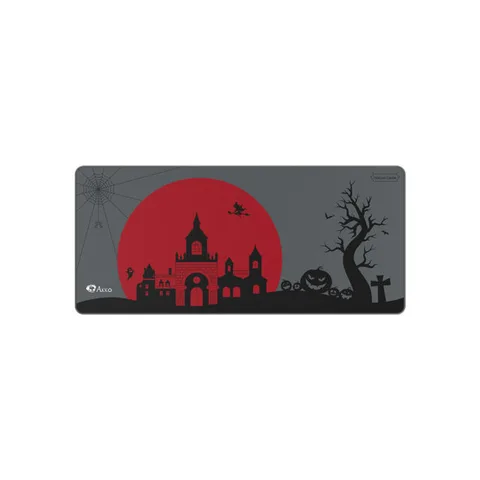
AKKO Dracula Castle XXL Mouse Pad
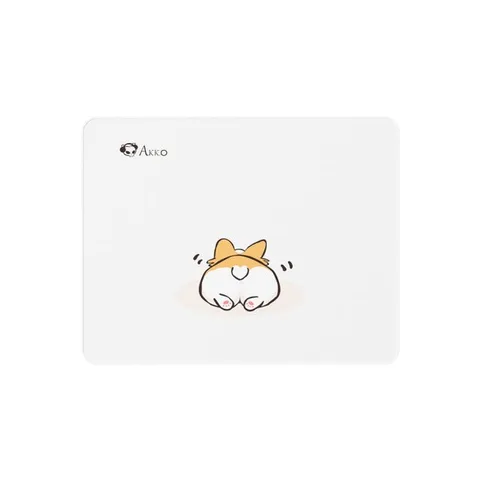
AKKO Corgi Butt Mouse Pad
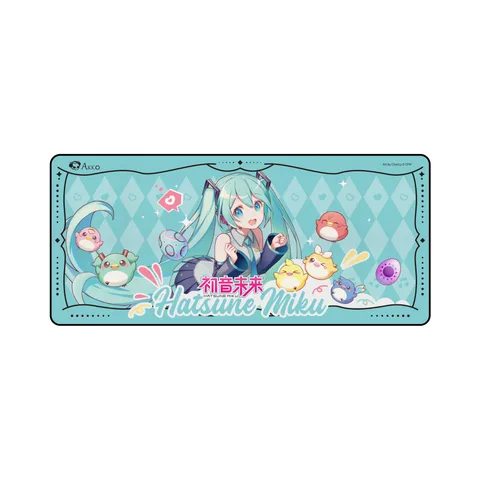
AKKO Hatsune Miku Mouse Pad
MonsGeek Black 87/98 Wrist Rest
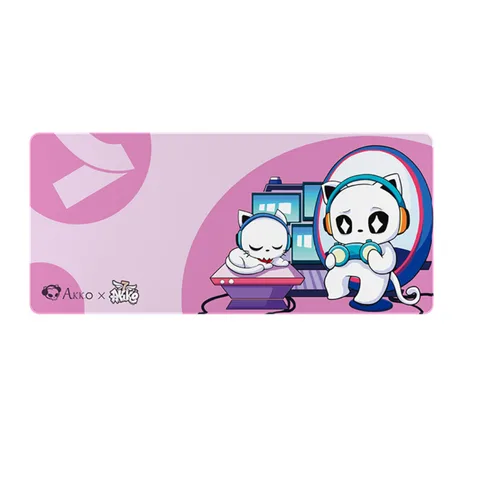
AKKO 7th Anniversary XXL Mouse Pad
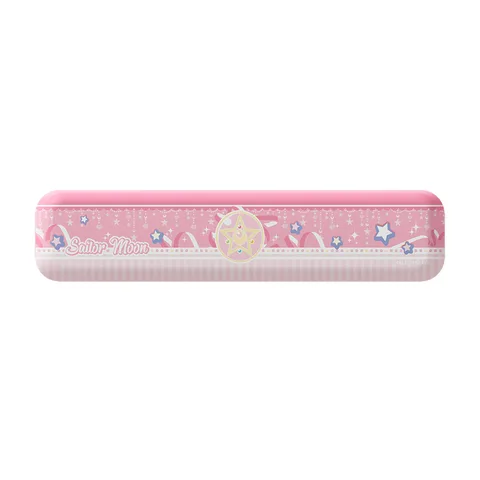
AKKO Sailor Moon Crystal Wrist Rest
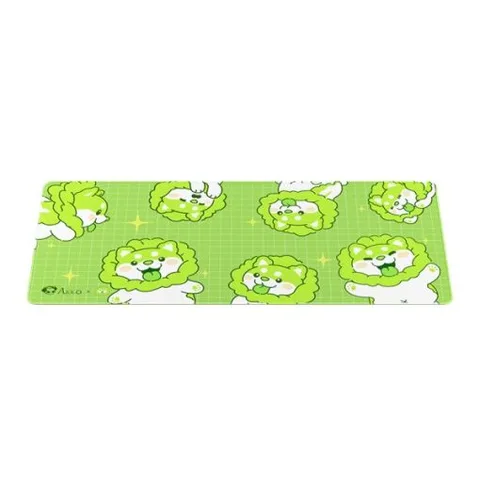
AKKO Cabbage Dog Mouse Pad
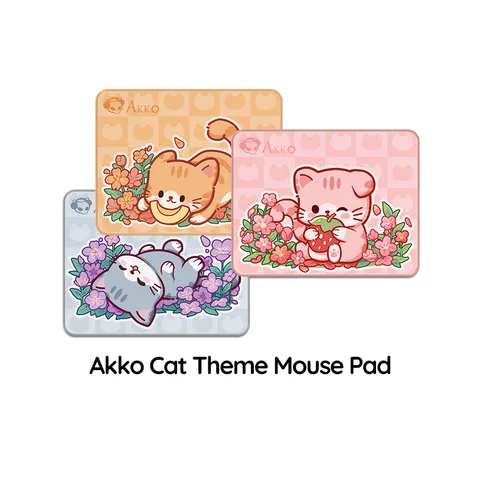
Akko Cat Orange KATE/Gary MIMO/ANGIE Mouse Pad